Master Ansible idempotency to write playbooks that safely run multiple times without side effects. Learn how to build production-grade automation that prevents configuration drift and infrastructure chaos.

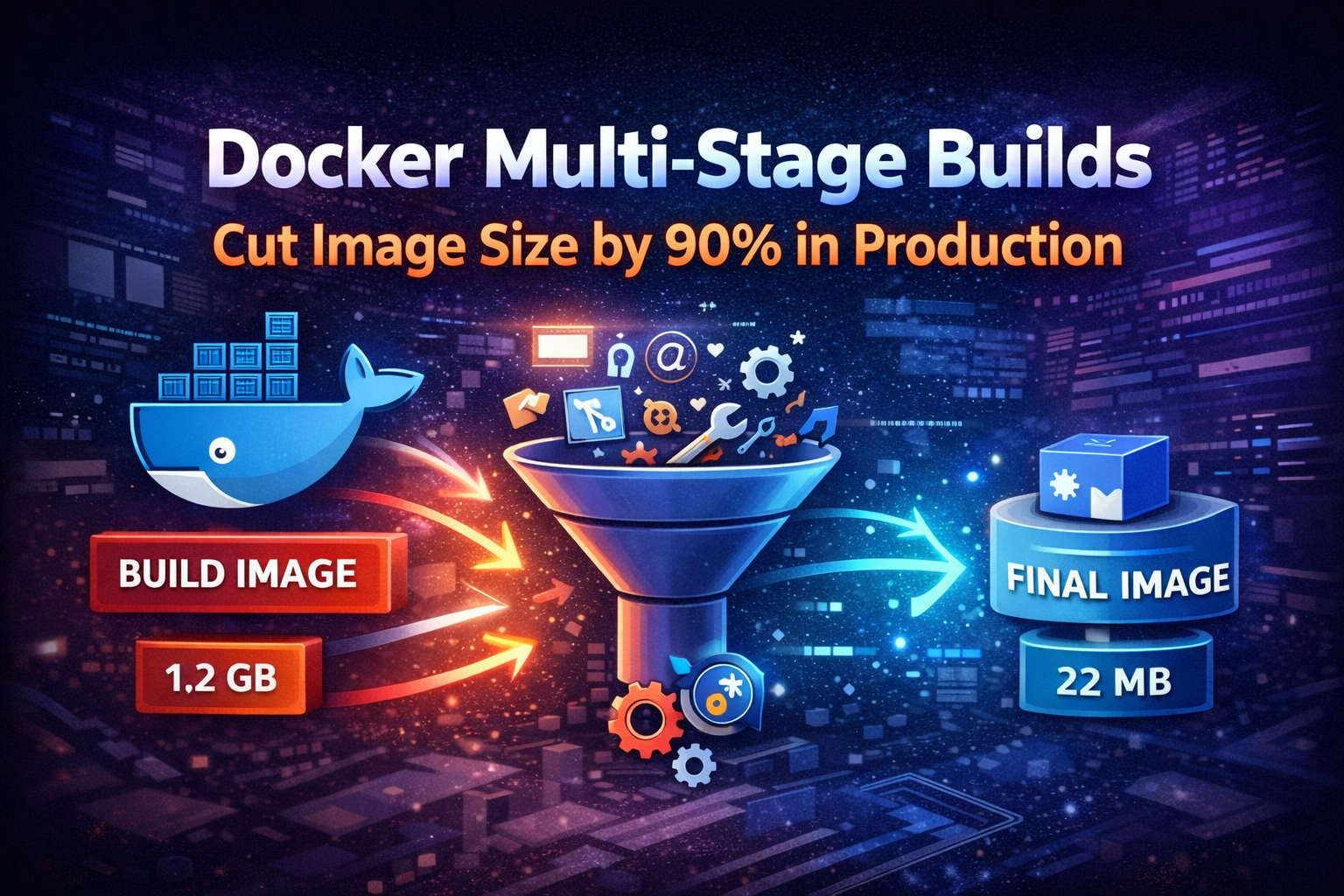
Learn how Docker multi-stage builds dramatically reduce container image sizes, improve security, and speed up deployments. Real-world examples with Node.js, Go, and Python applications.
You've built your application, containerized it with Docker, and pushed it to production. Everything works fine until you notice your 1.2GB Node.js image takes forever to pull across your cluster, your CI/CD pipeline crawls, and your container registry bill keeps climbing.
This is where most teams realize their Dockerfile needs serious optimization. The culprit? Including build tools, source code, and dependencies that have no business being in production images.
Docker multi-stage builds solve this by separating build-time dependencies from runtime requirements. The result? Images that are 70-90% smaller, more secure, and faster to deploy. This isn't just about saving disk space—it's about reducing attack surface, speeding up deployments, and cutting infrastructure costs.
Multi-stage builds let you use multiple FROM statements in a single Dockerfile. Each FROM instruction starts a new build stage, and you can selectively copy artifacts from one stage to another, leaving behind everything you don't need.
Think of it like cooking: you use mixing bowls, measuring cups, and whisks to prepare a cake, but you don't serve those tools on the plate. Multi-stage builds let you use all the tools you need during the build process, then package only the final product.
Before multi-stage builds existed (pre-Docker 17.05), developers had to use builder patterns with multiple Dockerfiles or complex shell scripts to achieve similar results. It was messy and error-prone.
Every time you deploy, Kubernetes nodes pull your container image. A 1.2GB image over a network takes significantly longer than a 120MB image. Multiply this across dozens of nodes during a rolling update, and you're looking at minutes of unnecessary delay.
In incident response scenarios, those minutes matter. When you need to scale up quickly or roll back a bad deployment, image pull time directly impacts your mean time to recovery (MTTR).
Every package, library, and binary in your image is a potential vulnerability. Build tools like gcc, make, npm, pip, and their dependencies add hundreds of packages you don't need at runtime. Each one is a potential CVE waiting to happen.
Security scanners like Trivy or Snyk will flag these vulnerabilities, creating noise and real risk. Smaller images mean fewer packages to patch and audit.
Container registries charge for storage and bandwidth. Cloud providers charge for data transfer. When you're pulling multi-gigabyte images across regions or availability zones, those costs add up quickly.
A team running 100 deployments per day with 1GB images transfers 100GB daily. Reduce that to 100MB images, and you're at 10GB—a 90% reduction in bandwidth costs.
Let's look at a real Node.js application to understand the difference.
FROM node:20

WORKDIR /app

COPY package*.json ./
RUN npm install

COPY . .
RUN npm run build

EXPOSE 3000
CMD ["node", "dist/index.js"]
This Dockerfile works, but it has critical problems:
devDependencies (TypeScript, webpack, testing libraries)# Build stage
FROM node:20 AS builder
WORKDIR /app
COPY package*.json ./
RUN npm ci --only=production=false
COPY . .
RUN npm run build
# Production stage
FROM node:20-alpine
WORKDIR /app
COPY package*.json ./
RUN npm ci --only=production && npm cache clean --force
COPY --from=builder /app/dist ./dist
EXPOSE 3000
CMD ["node", "dist/index.js"]This approach:
Here's a production-ready multi-stage build for a TypeScript Node.js API:
# Dependencies stage
FROM node:20-alpine AS deps

WORKDIR /app

COPY package.json package-lock.json ./
RUN npm ci --only=production

# Build stage
FROM node:20 AS builder

WORKDIR /app

COPY package.json package-lock.json ./
RUN npm ci

COPY tsconfig.json ./
COPY src ./src

RUN npm run build

# Production stage
FROM node:20-alpine

RUN apk add --no-cache dumb-init

ENV NODE_ENV=production
USER node

WORKDIR /app

COPY --chown=node:node --from=deps /app/node_modules ./node_modules
COPY --chown=node:node --from=builder /app/dist ./dist
COPY --chown=node:node package.json ./

EXPOSE 3000

CMD ["dumb-init", "node", "dist/index.js"]
Tip
Notice the separate deps stage. This caches production dependencies independently, so rebuilds are faster when only source code changes.
Go applications benefit even more from multi-stage builds because compiled Go binaries are self-contained:
# Build stage
FROM golang:1.21-alpine AS builder

WORKDIR /app

COPY go.mod go.sum ./
RUN go mod download

COPY . .

RUN CGO_ENABLED=0 GOOS=linux go build -a -installsuffix cgo -o main .

# Production stage
FROM scratch

COPY --from=builder /etc/ssl/certs/ca-certificates.crt /etc/ssl/certs/
COPY --from=builder /app/main /main

EXPOSE 8080

CMD ["/main"]
This produces images as small as 10-20MB. The FROM scratch directive creates an empty base image—literally nothing except your binary and SSL certificates.
Important
Using scratch means no shell, no package manager, no debugging tools. This is excellent for security but can make troubleshooting harder. Consider using alpine if you need basic utilities.
Python applications require more care because of runtime dependencies:
# Build stage
FROM python:3.11 AS builder

WORKDIR /app

RUN python -m venv /opt/venv
ENV PATH="/opt/venv/bin:$PATH"

COPY requirements.txt ./
RUN pip install --no-cache-dir -r requirements.txt

# Production stage
FROM python:3.11-slim

WORKDIR /app

COPY --from=builder /opt/venv /opt/venv

ENV PATH="/opt/venv/bin:$PATH"
ENV PYTHONUNBUFFERED=1

COPY . .

EXPOSE 8000

CMD ["gunicorn", "--bind", "0.0.0.0:8000", "app:app"]
Python's virtual environment makes it easy to copy only installed packages without build tools.
Docker caches layers, but only if nothing above them changed. Structure your Dockerfile to maximize cache hits:
FROM node:20-alpine AS builder

WORKDIR /app

# Copy dependency files first
COPY package.json package-lock.json ./
RUN npm ci

# Copy source code last
COPY . .
RUN npm run build
This way, changing source code doesn't invalidate the dependency cache. Your builds stay fast even as you iterate.
Pass build-time variables without hardcoding them:
FROM node:20-alpine AS builder

ARG BUILD_VERSION=dev
ARG API_URL

WORKDIR /app

COPY package*.json ./
RUN npm ci

COPY . .
RUN BUILD_VERSION=${BUILD_VERSION} API_URL=${API_URL} npm run build

FROM node:20-alpine

WORKDIR /app

COPY --from=builder /app/dist ./dist

CMD ["node", "dist/index.js"]
Build with arguments:
docker build \
  --build-arg BUILD_VERSION=1.2.3 \
  --build-arg API_URL=https://api.example.com \
-t myapp:1.2.3 .Build images for both AMD64 and ARM64 architectures:
FROM --platform=$BUILDPLATFORM golang:1.21-alpine AS builder

ARG TARGETARCH

WORKDIR /app

COPY go.mod go.sum ./
RUN go mod download

COPY . .

RUN GOARCH=${TARGETARCH} go build -o main .

FROM alpine:latest

COPY --from=builder /app/main /main

CMD ["/main"]
Build for multiple platforms:
docker buildx build \
  --platform linux/amd64,linux/arm64 \
  -t myapp:latest \
  --push .
This is crucial for teams running mixed infrastructure or deploying to ARM-based instances like AWS Graviton.
Don't copy everything blindly:
COPY . .COPY package*.json ./
COPY src ./src
COPY tsconfig.json ./
COPY public ./publicBetter yet, use .dockerignore:
node_modules
npm-debug.log
.git
.env
.env.local
dist
coverage
*.md
.vscode
.ideaThis defeats the purpose of multi-stage builds:
RUN npm installRUN npm ci --only=productionBase image choice matters significantly:
node:20 → 1.1GBnode:20-slim → 240MBnode:20-alpine → 135MBAlpine uses musl libc instead of glibc, which can cause compatibility issues with some native modules. Test thoroughly, but for most applications, Alpine works perfectly.
Package managers cache downloads, bloating your image:
# Node.js
RUN npm ci --only=production && npm cache clean --force

# Python
RUN pip install --no-cache-dir -r requirements.txt

# Alpine apk
RUN apk add --no-cache dumb-initAlways drop privileges in production:
FROM node:20-alpine

USER node

WORKDIR /app

COPY --chown=node:node package*.json ./
RUN npm ci --only=production

COPY --chown=node:node . .

CMD ["node", "index.js"]Never use latest in production:
FROM node:latestFROM node:20.11.0-alpine3.19Specific tags ensure reproducible builds and prevent unexpected breakage when base images update.
Add health checks directly in your Dockerfile:
FROM node:20-alpine

WORKDIR /app

COPY package*.json ./
RUN npm ci --only=production

COPY . .

EXPOSE 3000

HEALTHCHECK --interval=30s --timeout=3s --start-period=5s --retries=3 \
  CMD node healthcheck.js

CMD ["node", "index.js"]Reduce build context size and prevent leaking secrets:
# Dependencies
node_modules
vendor

# Build artifacts
dist
build
*.log

# Development
.git
.github
.vscode
.idea
*.md
.env*
!.env.example

# Testing
coverage
test
*.test.js
*.spec.ts

# CI/CD
.gitlab-ci.yml
.github
JenkinsfileIntegrate security scanning into your CI/CD:
trivy image --severity HIGH,CRITICAL myapp:latestsnyk container test myapp:latestEnable Docker BuildKit for better performance and features:
export DOCKER_BUILDKIT=1
docker build -t myapp:latest .
Use BuildKit cache mounts:
FROM node:20-alpine AS builder

WORKDIR /app

COPY package*.json ./

RUN --mount=type=cache,target=/root/.npm \
    npm ci

COPY . .
RUN npm run build
BuildKit cache mounts persist between builds, dramatically speeding up dependency installation.
Let's quantify the improvements with real numbers from a production Node.js API:
Image size: 1.24 GB
Layers: 12
Vulnerabilities: 247 (23 critical)
Pull time (cold): 3m 42s
Build time: 4m 18sImage size: 187 MB (85% reduction)
Layers: 8
Vulnerabilities: 12 (0 critical)
Pull time (cold): 28s (87% faster)
Build time: 2m 51s (34% faster)The security improvement alone justifies the effort. Going from 23 critical vulnerabilities to zero eliminates entire classes of risk.
Multi-stage builds aren't always the answer:
For local development, single-stage builds with hot-reloading are more practical. You want fast iteration, not minimal size:
FROM node:20

WORKDIR /app

COPY package*.json ./
RUN npm install

COPY . .

CMD ["npm", "run", "dev"]If you're containerizing a simple bash script or utility that runs once and exits, the complexity isn't worth it.
If you're starting from scratch or a minimal base, there's nothing to optimize away.
Some applications have tangled dependencies that make multi-stage builds impractical. Sometimes the effort to untangle them exceeds the benefit.
When builds fail or images don't work as expected:
Test individual stages:
docker build --target builder -t myapp:builder .docker run -it myapp:builder shThe dive tool shows exactly what's in each layer:
wget https://github.com/wagoodman/dive/releases/download/v0.11.0/dive_0.11.0_linux_amd64.deb
sudo dpkg -i dive_0.11.0_linux_amd64.debdive myapp:latestThis reveals wasted space and helps identify what's bloating your image.
See what's being cached:
docker buildx dudocker builder pruneMulti-stage builds are essential for production Docker images. They reduce size by 70-90%, eliminate unnecessary vulnerabilities, and speed up deployments—all with minimal effort.
The pattern is simple: use full-featured images for building, then copy only what you need into minimal runtime images. This separation of build-time and runtime concerns is fundamental to container best practices.
Start with the examples in this guide, adapt them to your stack, and measure the results. You'll see immediate improvements in deployment speed, security posture, and infrastructure costs.
The next time you write a Dockerfile, ask yourself: does this need to be in production? If the answer is no, leave it in the build stage.