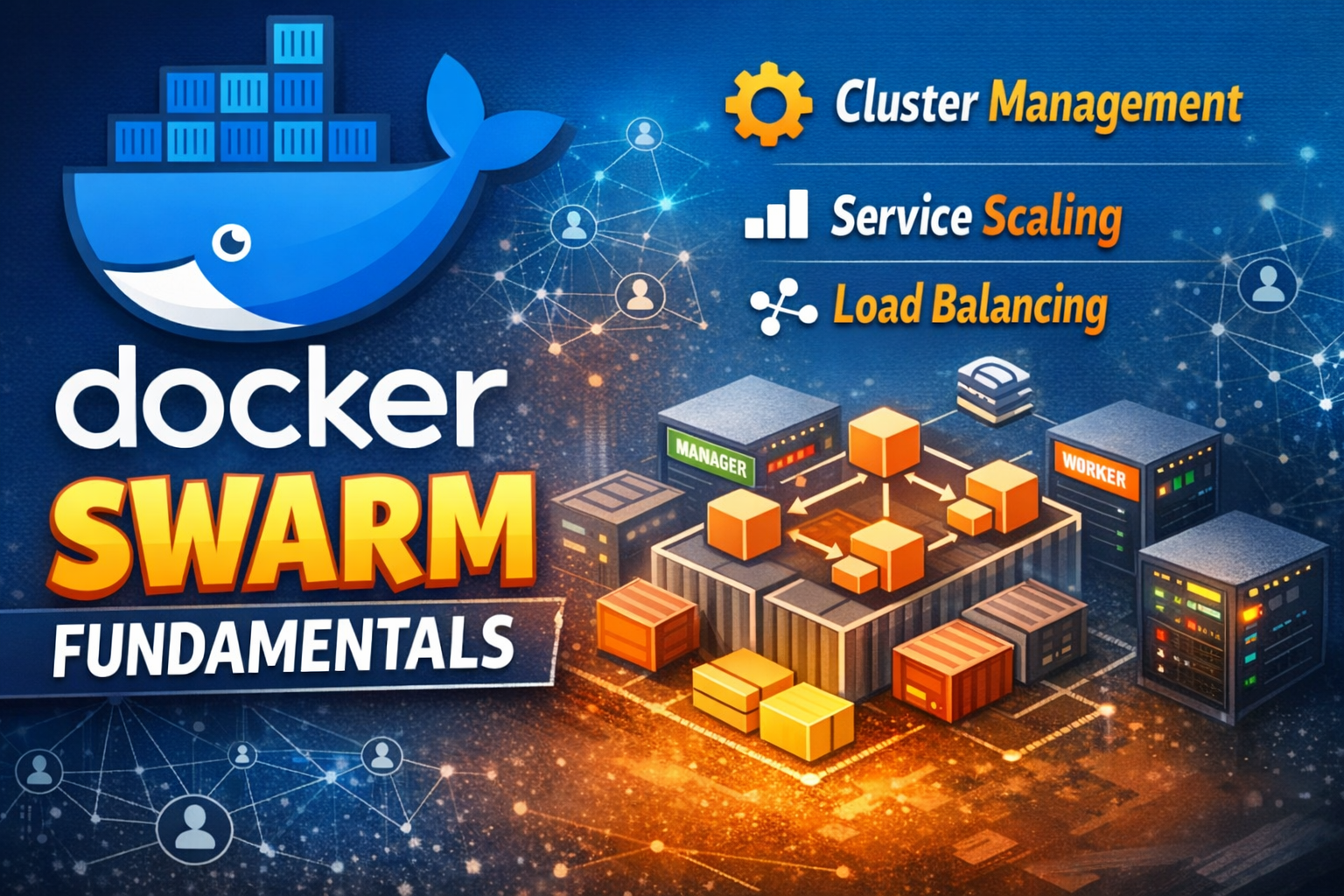
Explore Docker Swarm's origins, why it was created, and master its core concepts with practical examples for small-to-medium deployments.

Docker Swarm exists because orchestrating containers at scale is hard. When you move beyond running a single Docker daemon on one machine, you face real problems: how do you distribute containers across multiple hosts? How do you handle failures? How do you manage networking and storage? How do you scale services up and down?
Docker Swarm answers these questions with a built-in, lightweight orchestration solution. Unlike Kubernetes, which is powerful but complex, Swarm prioritizes simplicity and ease of use. It's designed for teams that need container orchestration without the operational overhead.
In this post, we'll explore why Swarm exists, its history, the problems it solves, and how to use it effectively in real-world scenarios.
Before Docker Swarm, running containers in production meant solving several hard problems manually:
Teams either built custom solutions or used external tools. This was fragile and time-consuming.
Docker Swarm was created to provide orchestration that's:
The philosophy: orchestration should be accessible to teams of any size, not just those with dedicated Kubernetes expertise.
Docker Swarm started as a separate project in 2015. It was a standalone orchestration tool that managed Docker containers across a cluster. You'd run Swarm as a separate service alongside Docker.
Key characteristics:
In June 2016, Docker 1.12 introduced Swarm Mode - a fundamental shift. Swarm became native to Docker itself, not a separate tool.
What changed:
docker swarm initThis was the turning point. Swarm Mode made orchestration accessible to every Docker user.
Despite Kubernetes's dominance, Swarm remains relevant because:
A node is a Docker daemon participating in the Swarm. There are two types:
Manager nodes - Control the cluster
Worker nodes - Execute tasks
A healthy Swarm needs at least one manager. For production, use 3, 5, or 7 managers (odd numbers for Raft consensus).
A service is the primary abstraction in Swarm. It defines:
Services are declarative - you specify the desired state, and Swarm maintains it.
A task is a running instance of a service. If you create a service with 3 replicas, Swarm creates 3 tasks. Each task runs a container.
When a task fails, Swarm automatically creates a replacement.
A stack is a collection of services defined in a Compose file. It's the Swarm equivalent of a Kubernetes namespace or deployment unit.
Stacks let you deploy entire applications (multiple services) with one command.
Overlay networks enable communication between containers across different hosts. They're encrypted by default and handle service discovery automatically.
When you create a service, Swarm automatically registers it in DNS. Containers can reach services by name.
Swarm includes built-in load balancing:
Manager nodes use Raft consensus to maintain cluster state. This ensures:
Raft requires a quorum (majority) of managers to make decisions. With 3 managers, you can lose 1. With 5, you can lose 2.
When you create a service, the manager:
Swarm stores cluster state in a distributed database replicated across all managers. This includes:
If a manager crashes, others continue operating. When it recovers, it syncs state from the cluster.
Let's create a simple 3-node Swarm cluster. For this example, we'll use Docker on a single machine with multiple containers simulating nodes.
docker swarm init --advertise-addr 127.0.0.1This output shows the command to join worker nodes:
Swarm initialized: current node (abc123...) is now a manager.
To add a worker to this swarm, run the following command:
docker swarm join --token SWMTKN-1-xxx 127.0.0.1:2377
To add a manager to this swarm, run the following command:
docker swarm join-token managerIn production, you'd run this on separate machines. For now, let's verify the cluster:
docker node lsLet's deploy a simple web service:
docker service create \
--name web \
--replicas 3 \
--publish 8080:80 \
nginx:latestCheck the service status:
docker service lsView tasks (running containers):
docker service ps webIncrease replicas:
docker service scale web=5Decrease replicas:
docker service scale web=2Update the image:
docker service update \
--image nginx:1.25 \
webSwarm performs a rolling update by default - it replaces tasks one at a time, ensuring availability.
Define a stack in a Compose file:
Deploy the stack:
docker stack deploy -c docker-compose.yml myappList stacks:
docker stack lsView services in a stack:
docker stack services myappRemove the stack:
docker stack rm myappProblem: A single manager is a single point of failure. If it crashes, the cluster stops accepting commands.
Why it happens: Teams start small and don't plan for growth.
Solution: Always run at least 3 managers in production. Use odd numbers (3, 5, 7) for Raft consensus.
Problem: Services consume all available resources, starving other services.
Why it happens: It's easy to forget resource constraints when defining services.
Solution: Always set resource requests and limits:
services:
web:
image: nginx:latest
deploy:
resources:
limits:
cpus: '0.5'
memory: 512M
reservations:
cpus: '0.25'
memory: 256MProblem: You don't notice when nodes fail or services become unhealthy.
Why it happens: Swarm doesn't provide built-in monitoring dashboards.
Solution: Use external monitoring tools (Prometheus, Grafana) or Swarm-specific tools (Orbiter, Portainer).
Problem: When a container is replaced, data is lost.
Why it happens: It's convenient to store data locally during development.
Solution: Use volumes for persistent data:
services:
db:
image: postgres:15
volumes:
- db-data:/var/lib/postgresql/data
deploy:
replicas: 1
volumes:
db-data:
driver: localProblem: Swarm doesn't know if a service is actually healthy, only if the container is running.
Why it happens: Health checks require additional configuration.
Solution: Define health checks in your Dockerfile or Compose file:
services:
web:
image: nginx:latest
healthcheck:
test: ["CMD", "curl", "-f", "http://localhost"]
interval: 30s
timeout: 10s
retries: 3
start_period: 40sDistribute managers across availability zones or data centers.
Control where services run:
services:
db:
image: postgres:15
deploy:
placement:
constraints:
- node.role == manager
- node.labels.disk == ssdEnsure containers handle SIGTERM properly:
FROM node:18
WORKDIR /app
COPY . .
# Use exec form to ensure signals are received
EXEC ["node", "server.js"]Store passwords and API keys securely:
echo "my-secret-password" | docker secret create db_password -Use in services:
services:
db:
image: postgres:15
environment:
POSTGRES_PASSWORD_FILE: /run/secrets/db_password
secrets:
- db_password
deploy:
replicas: 1
secrets:
db_password:
external: trueUse centralized logging:
services:
web:
image: nginx:latest
logging:
driver: json-file
options:
max-size: "10m"
max-file: "3"Use rolling updates to maintain availability:
services:
web:
image: nginx:latest
deploy:
replicas: 3
update_config:
parallelism: 1
delay: 10s
failure_action: rollback
restart_policy:
condition: on-failure
max_attempts: 3Let's build a practical example - a small e-commerce platform with 3 services: web frontend, API backend, and database.
┌─────────────────────────────────────────┐
│ Docker Swarm Cluster │
├─────────────────────────────────────────┤
│ Manager Node 1 Manager Node 2 │
│ (web-1, api-1) (web-2, api-2) │
│ │
│ Worker Node 1 Worker Node 2 │
│ (web-3, api-3) (db-1) │
└─────────────────────────────────────────┘1. Prepare secrets:
mkdir -p secrets
echo "your-secure-password" > secrets/db_password.txt
echo "your-api-key" > secrets/api_key.txt2. Initialize Swarm (on first manager):
docker swarm init --advertise-addr <manager-ip>3. Join additional nodes:
docker swarm join --token <token> <manager-ip>:23774. Deploy the stack:
docker stack deploy -c ecommerce-stack.yml ecommerce5. Verify deployment:
docker stack services ecommerceOutput:
6. Check individual tasks:
docker service ps ecommerce_webWhen traffic increases, scale the web and API services:
docker service scale ecommerce_web=5 ecommerce_api=4Swarm automatically distributes new tasks across available nodes.
Deploy a new version of the web service:
docker service update \
--image myregistry/ecommerce-web:1.1 \
ecommerce_webSwarm updates one task at a time, ensuring the service remains available.
Check service health:
docker service ps ecommerce_web --no-truncView logs from a service:
docker service logs ecommerce_apiIf a worker node fails:
No manual intervention needed.
Docker Swarm exists because orchestration should be accessible. It emerged from Docker's philosophy: make powerful tools simple enough for everyone to use.
While Kubernetes dominates the enterprise space, Swarm remains the right choice for teams that value simplicity, built-in functionality, and lower operational overhead. It's perfect for small-to-medium deployments where you need orchestration without the complexity.
The key takeaways:
Start with a 3-node cluster, use Compose files for stack definitions, implement health checks, and monitor your services. You'll have a reliable, maintainable container orchestration platform that scales with your needs.
For the e-commerce example, you now have a production-ready template. Adapt it to your specific requirements, add monitoring and logging, and you're ready to deploy.