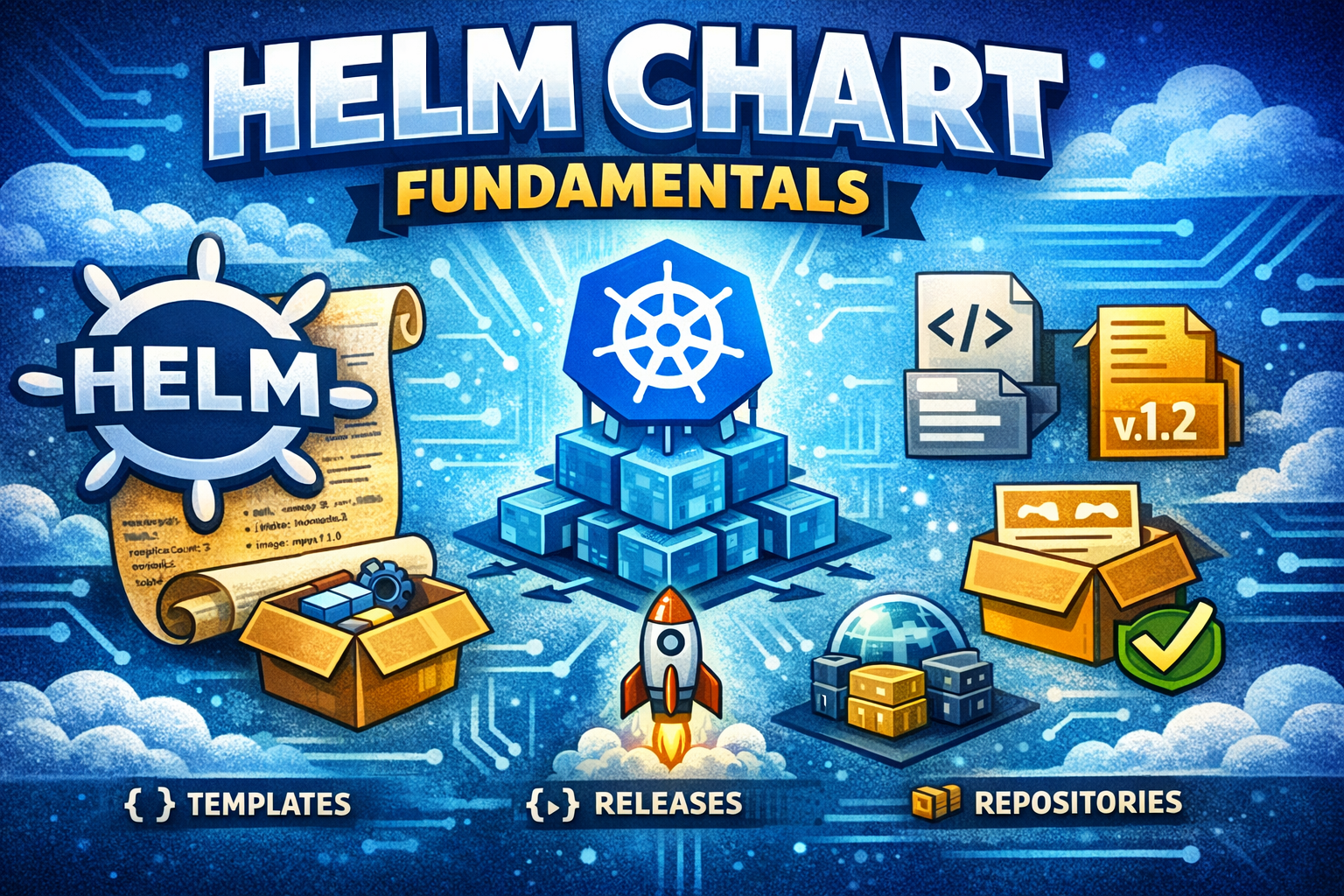
Helm Charts exist because Kubernetes manifests are verbose, repetitive, and hard to manage at scale. When you deploy applications to Kubernetes, you write YAML files defining pods, services, deployments, and more. But what happens when you need to deploy the same application across multiple environments? Or when you need to share applications with others? Or when you need to manage dozens of interdependent services?
Helm solves these problems by treating Kubernetes applications as packages. It's a package manager for Kubernetes, similar to npm for Node.js or pip for Python. Helm Charts are reusable, templated Kubernetes manifests that can be versioned, shared, and deployed consistently.
In this post, we'll explore why Helm exists, its history, the problems it solves, and how to use it effectively in real-world scenarios.
Before Helm, managing Kubernetes applications meant dealing with several hard problems:
Repetition - Writing the same YAML structure for every deploymentConfiguration management - Different values for dev, staging, and productionDependency management - Coordinating deployments of related servicesVersioning - No built-in way to version application releasesSharing - Difficult to share applications with other teams or the communityUpdates - Complex rollback and upgrade proceduresTemplating - No way to parameterize manifests without external tools
Teams either wrote custom scripts, used kustomize, or manually managed hundreds of YAML files. This was error-prone and didn't scale.
Helm provides:
Templating - Use Go templates to parameterize manifestsPackaging - Bundle related resources into a single unitVersioning - Track application versions and releasesDependency management - Declare and manage service dependenciesRepositories - Share and discover charts publicly or privatelyLifecycle management - Install, upgrade, rollback with single commandsValues management - Override configuration without editing templates
The philosophy: Kubernetes applications should be as easy to deploy as installing software on your laptop.
Helm started as a side project at Deis (later acquired by Microsoft) in 2015. The initial goal was simple: create a package manager for Kubernetes. Early Helm was experimental and had limitations.
Key characteristics:
Basic templating with Go templates
Simple chart structure
Limited dependency management
No built-in repository system
Tiller (server component) required for deployments
Helm v2 became the standard. It introduced:
Tiller - A server component running in the clusterReleases - Named instances of chartsRepositories - Central registries for sharing chartsHooks - Pre/post deployment actionsSubcharts - Dependency managementValues files - Configuration management
Helm v2 was powerful but had issues. Tiller required cluster-wide permissions, creating security concerns. The architecture was complex.
Helm v3 was a major redesign addressing v2's problems:
Removed Tiller - Client-only architecture, no server componentImproved security - Uses kubeconfig for authenticationBetter dependency management - Cleaner Chart.lock filesSimplified release tracking - Uses Kubernetes secrets instead of ConfigMapsEnhanced validation - Better error messages and validation
Helm v3 is the current standard and what we'll focus on.
Despite Kubernetes's complexity, Helm remains essential because:
Standardization - Common way to package and share applicationsEcosystem - Thousands of public charts availableSimplicity - Reduces boilerplate and manual configurationConsistency - Same deployment process across environmentsCommunity - Large community and extensive documentation
A Chart is a package of Kubernetes manifests. It's a directory with a specific structure containing:
Chart.yaml - Metadata (name, version, description)values.yaml - Default configuration valuestemplates/ - Go template files for Kubernetes resourcescharts/ - Dependency charts (subcharts)README.md - DocumentationLICENSE - License information
Charts are versioned and can be stored in repositories.
A Release is a running instance of a Chart. When you install a Chart, Helm creates a Release. You can have multiple Releases of the same Chart with different configurations.
Example: You might have three Releases of the nginx Chart - one for dev, one for staging, one for production.
Values are configuration parameters that customize a Chart. They're defined in values.yaml and can be overridden at install/upgrade time.
Values use a dot notation for nested access: image.repository, image.tag, replicaCount.
Templates are Go template files that generate Kubernetes manifests. They use variables, conditionals, loops, and functions to create dynamic YAML.
Example template:
yaml apiVersion : apps/v1 kind : Deployment metadata : name : {{ .Release.Name }} -deployment spec : replicas : {{ .Values.replicaCount }} template : spec : containers : - name : app image : {{ .Values.image.repository }} :{{ .Values.image.tag }} Repositories are collections of Charts. They're similar to npm registries or Docker registries. You can add public repositories or host private ones.
Common public repositories:
Bitnami - Production-ready chartsStable - Official Kubernetes charts (deprecated)Jetstack - Cert-manager and related toolsPrometheus Community - Monitoring stack
Hooks are actions that run at specific points in the release lifecycle:
pre-install - Before chart installationpost-install - After chart installationpre-upgrade - Before upgradepost-upgrade - After upgradepre-delete - Before deletionpost-delete - After deletionpre-rollback - Before rollbackpost-rollback - After rollback
Hooks are useful for database migrations, cleanup, or validation.
Subcharts are Charts that depend on other Charts. They're declared in Chart.yaml and stored in the charts/ directory.
This enables:
Reusability - Share common componentsModularity - Separate concernsVersioning - Control dependency versions
When you install a Chart, Helm:
Reads the Chart structure
Loads values from values.yaml and command-line overrides
Renders templates using Go template engine
Validates generated manifests
Sends manifests to Kubernetes API
Helm tracks Releases using Kubernetes secrets. Each Release has:
Name - Unique identifierNamespace - Kubernetes namespaceStatus - deployed, superseded, failed, etc.Revision - Version number of the releaseChart - Chart name and versionValues - Configuration used
This enables upgrades and rollbacks.
Helm resolves dependencies by:
Reading Chart.yaml dependencies
Downloading required charts
Merging values from parent and subcharts
Rendering all templates in dependency order
On Linux/macOS:
curl https://raw.githubusercontent.com/helm/helm/main/scripts/get-helm-3 | bash Verify installation:
Add the Bitnami repository:
helm repo add bitnami https://charts.bitnami.com/bitnami Update repositories:
List repositories:
Search for available charts:
Get chart information:
helm show chart bitnami/nginx View default values:
helm show values bitnami/nginx Install with default values:
helm install my-nginx bitnami/nginx Install with custom values:
Install with custom values helm install my-nginx bitnami/nginx \ --set replicaCount= 3 \ --set image.tag= 1.25 Install from a values file:
helm install my-nginx bitnami/nginx -f values.yaml List releases:
Get release status:
View release values:
Upgrade to a new version:
helm upgrade my-nginx bitnami/nginx \ --set replicaCount= 5 Rollback to previous release:
Remove a release:
Create a new chart:
This generates:
my-app/ ├── Chart.yaml ├── values.yaml ├── charts/ ├── templates/ │ ├── deployment.yaml │ ├── service.yaml │ ├── ingress.yaml │ ├── _helpers.tpl │ └── NOTES.txt └── README.md Define chart metadata:
Chart.yaml apiVersion : v2 name : my-app description : A Helm chart for my application type : application version : 1.0.0 appVersion : "1.0" maintainers : - name : Your Name email : your@email.com Define default configuration:
values.yaml replicaCount : 3
image : repository : myregistry/my-app tag : "1.0" pullPolicy : IfNotPresent
service : type : ClusterIP port : 80 targetPort : 8080
ingress : enabled : true className : nginx hosts : - host : my-app.example.com paths : - path : / pathType : Prefix
resources : limits : cpu : 500m memory : 512Mi requests : cpu : 250m memory : 256Mi
autoscaling : enabled : true minReplicas : 2 maxReplicas : 10 targetCPUUtilizationPercentage : 80 Create templates/deployment.yaml:
templates/deployment.yaml apiVersion : apps/v1 kind : Deployment metadata : name : {{ include "my-app.fullname" . }} labels : {{- include "my-app.labels" . | nindent 4 }} spec : {{- if not .Values.autoscaling.enabled }} replicas : {{ .Values.replicaCount }} {{- end }} selector : matchLabels : {{- include "my-app.selectorLabels" . | nindent 6 }} template : metadata : labels : {{- include "my-app.selectorLabels" . | nindent 8 }} spec : containers : - name : {{ .Chart.Name }} image : "{{ .Values.image.repository }}:{{ .Values.image.tag }}" imagePullPolicy : {{ .Values.image.pullPolicy }} ports : - name : http containerPort : {{ .Values.service.targetPort }} protocol : TCP resources : {{- toYaml .Values.resources | nindent 12 }} Create templates/service.yaml:
templates/service.yaml apiVersion : v1 kind : Service metadata : name : {{ include "my-app.fullname" . }} labels : {{- include "my-app.labels" . | nindent 4 }} spec : type : {{ .Values.service.type }} ports : - port : {{ .Values.service.port }} targetPort : http protocol : TCP name : http selector : {{- include "my-app.selectorLabels" . | nindent 4 }} Lint the chart:
Dry-run to see generated manifests:
helm install my-app ./my-app --dry-run --debug Problem: Values are hardcoded in templates, making charts inflexible.
Why it happens: Developers forget to parameterize configuration.
Solution: Move all configurable values to values.yaml:
Good - parameterized replicaCount : {{ .Values.replicaCount }} Not:
Bad - hardcoded Problem: Charts don't follow Helm conventions, confusing users.
Why it happens: Developers create charts without studying examples.
Solution: Follow Helm best practices:
Use _helpers.tpl for template helpers
Name templates consistently
Document values in comments
Use standard labels
Problem: Pods consume unlimited resources, causing cluster instability.
Why it happens: Resource limits are forgotten during development.
Solution: Always define resource requests and limits:
Chart with resource limits resources : limits : cpu : 500m memory : 512Mi requests : cpu : 250m memory : 256Mi Problem: Chart changes aren't tracked, making rollbacks difficult.
Why it happens: Developers update charts without incrementing versions.
Solution: Follow semantic versioning:
Chart.yaml with versioning version : 1.2.3 appVersion : "2.0" Increment version for every release.
Problem: Too many subcharts create maintenance burden.
Why it happens: Developers try to make one chart do everything.
Solution: Keep charts focused and simple. Use subcharts for truly reusable components.
Follow semver for chart versions:
Chart.yaml with semver version : 1.2.3 appVersion : "2.0.1"
Major - Breaking changesMinor - New features, backward compatiblePatch - Bug fixes
Include comprehensive documentation:
Chart.yaml with documentation apiVersion : v2 name : my-app description : A production-ready application home : https://github.com/myorg/my-app sources : - https://github.com/myorg/my-app maintainers : - name : Your Name email : your@email.com keywords : - app - production Run database migrations before deployment:
Pre-install hook for migrations apiVersion : batch/v1 kind : Job metadata : name : {{ include "my-app.fullname" . }} -migrate annotations : "helm.sh/hook" : pre-install "helm.sh/hook-weight" : "-5" spec : template : spec : containers : - name : migrate image : "{{ .Values.image.repository }}:{{ .Values.image.tag }}" command : [ "./migrate.sh" ] restartPolicy : Never Define liveness and readiness probes:
Deployment with health checks containers : - name : app image : "{{ .Values.image.repository }}:{{ .Values.image.tag }}" livenessProbe : httpGet : path : /health port : http initialDelaySeconds : 30 periodSeconds : 10 readinessProbe : httpGet : path : /ready port : http initialDelaySeconds : 5 periodSeconds : 5 Separate configuration from code:
ConfigMap template apiVersion : v1 kind : ConfigMap metadata : name : {{ include "my-app.fullname" . }} -config data : app.conf : | {{ .Values.appConfig | nindent 4 }} Use helm test for validation:
Test pod template apiVersion : v1 kind : Pod metadata : name : "{{ include \" my-app.fullname \" . }}-test \" annotations: " helm.sh/hook" : test spec : containers : - name : test image : "{{ .Values.image.repository }}:{{ .Values.image.tag }}" command : [ "./test.sh" ] restartPolicy : Never
Simple single-service deployments - Overkill for basic applicationsHighly customized applications - Too much templating complexityTeams unfamiliar with Kubernetes - Adds another layer of complexityApplications requiring extensive customization - Consider Kustomize instead
Multi-service applications
Sharing applications with others
Managing multiple environments
Complex dependency management
Production deployments
Let's build a practical example - a microservices platform with API gateway, user service, product service, and PostgreSQL database.
┌─────────────────────────────────────────┐ │ Kubernetes Cluster │ ├─────────────────────────────────────────┤ │ Ingress (nginx) │ │ ↓ │ │ API Gateway (Kong) │ │ ↓ │ │ ┌──────────────┬──────────────┐ │ │ │ User Service │ Product Svc │ │ │ └──────────────┴──────────────┘ │ │ ↓ │ │ PostgreSQL Database │ └─────────────────────────────────────────┘ microservices-platform/ ├── Chart.yaml ├── values.yaml ├── charts/ │ ├── api-gateway/ │ ├── user-service/ │ ├── product-service/ │ └── postgresql/ ├── templates/ │ ├── namespace.yaml │ ├── configmap.yaml │ └── secrets.yaml └── README.md Chart.yaml apiVersion : v2 name : microservices-platform description : A complete microservices platform type : application version : 1.0.0 appVersion : "1.0" dependencies : - name : api-gateway version : "1.0.0" repository : "file://../api-gateway" - name : user-service version : "1.0.0" repository : "file://../user-service" - name : product-service version : "1.0.0" repository : "file://../product-service" - name : postgresql version : "12.0.0" repository : "https://charts.bitnami.com/bitnami" condition : postgresql.enabled maintainers : - name : Platform Team email : platform@company.com values.yaml namespace : microservices
# API Gateway api-gateway : enabled : true replicaCount : 2 image : repository : myregistry/api-gateway tag : "1.0" service : type : LoadBalancer port : 80 resources : limits : cpu : 500m memory : 512Mi requests : cpu : 250m memory : 256Mi
# User Service user-service : enabled : true replicaCount : 2 image : repository : myregistry/user-service tag : "1.0" database : host : postgresql port : 5432 name : users_db resources : limits : cpu : 500m memory : 512Mi requests : cpu : 250m memory : 256Mi
# Product Service product-service : enabled : true replicaCount : 2 image : repository : myregistry/product-service tag : "1.0" database : host : postgresql port : 5432 name : products_db resources : limits : cpu : 500m memory : 512Mi requests : cpu : 250m memory : 256Mi
# PostgreSQL postgresql : enabled : true auth : username : postgres password : changeme postgresPassword : changeme primary : persistence : enabled : true size : 10Gi resources : limits : cpu : 1000m memory : 1Gi requests : cpu : 500m memory : 512Mi templates/namespace.yaml apiVersion : v1 kind : Namespace metadata : name : {{ .Values.namespace }} templates/configmap.yaml apiVersion : v1 kind : ConfigMap metadata : name : platform-config namespace : {{ .Values.namespace }} data : api-gateway-url : "http://api-gateway:80" user-service-url : "http://user-service:8080" product-service-url : "http://product-service:8080" database-host : "{{ .Values.postgresql.primary.service.name }}" database-port : "5432" 1. Create chart structure:
helm create microservices-platform 2. Create subchart for API Gateway:
Create API Gateway subchart cd microservices-platform/charts helm create api-gateway Repeat for user-service and product-service.
3. Update Chart.yaml with dependencies:
cd ..
helm dependency update
4. Validate chart:
helm lint microservices-platform 5. Dry-run installation:
helm install platform ./microservices-platform --dry-run --debug 6. Install the chart:
helm install platform ./microservices-platform \
  --namespace microservices \
  --create-namespace
7. Verify installation:
helm status platform -n microservices 8. View deployed resources:
kubectl get all -n microservices Scale user service to 5 replicas:
Upgrade with new replica count helm upgrade platform ./microservices-platform \ --set user-service.replicaCount= 5 \ -n microservices Deploy new version of product service:
helm upgrade platform ./microservices-platform \ --set product-service.image.tag= 1.1 \ -n microservices Rollback to previous release:
helm rollback platform 1 -n microservices Check release history:
helm history platform -n microservices View current values:
helm get values platform -n microservices View generated manifests:
helm get manifest platform -n microservices Helm Charts exist because Kubernetes applications need packaging, versioning, and lifecycle management. They transform Kubernetes from a low-level orchestration platform into a package management system.
While Kubernetes is powerful, Helm makes it accessible. It reduces boilerplate, enables code reuse, and provides a standard way to deploy applications.
The key takeaways:
Charts are packages of Kubernetes manifests with templating
Releases are running instances of charts
Values parameterize charts for different environments
Repositories enable sharing and discovery
Helm v3 removed Tiller for better security
Charts follow conventions and best practices
Start with existing charts from Bitnami or other repositories. Learn the structure by examining real-world examples. Then create your own charts for your applications.
For the microservices platform example, you now have a production-ready template. Adapt it to your specific requirements, add monitoring and logging, implement proper secrets management, and you're ready to deploy.
Helm is not just a tool - it's a philosophy: applications should be as easy to deploy as installing software on your laptop.