Master Ansible idempotency to write playbooks that safely run multiple times without side effects. Learn how to build production-grade automation that prevents configuration drift and infrastructure chaos.

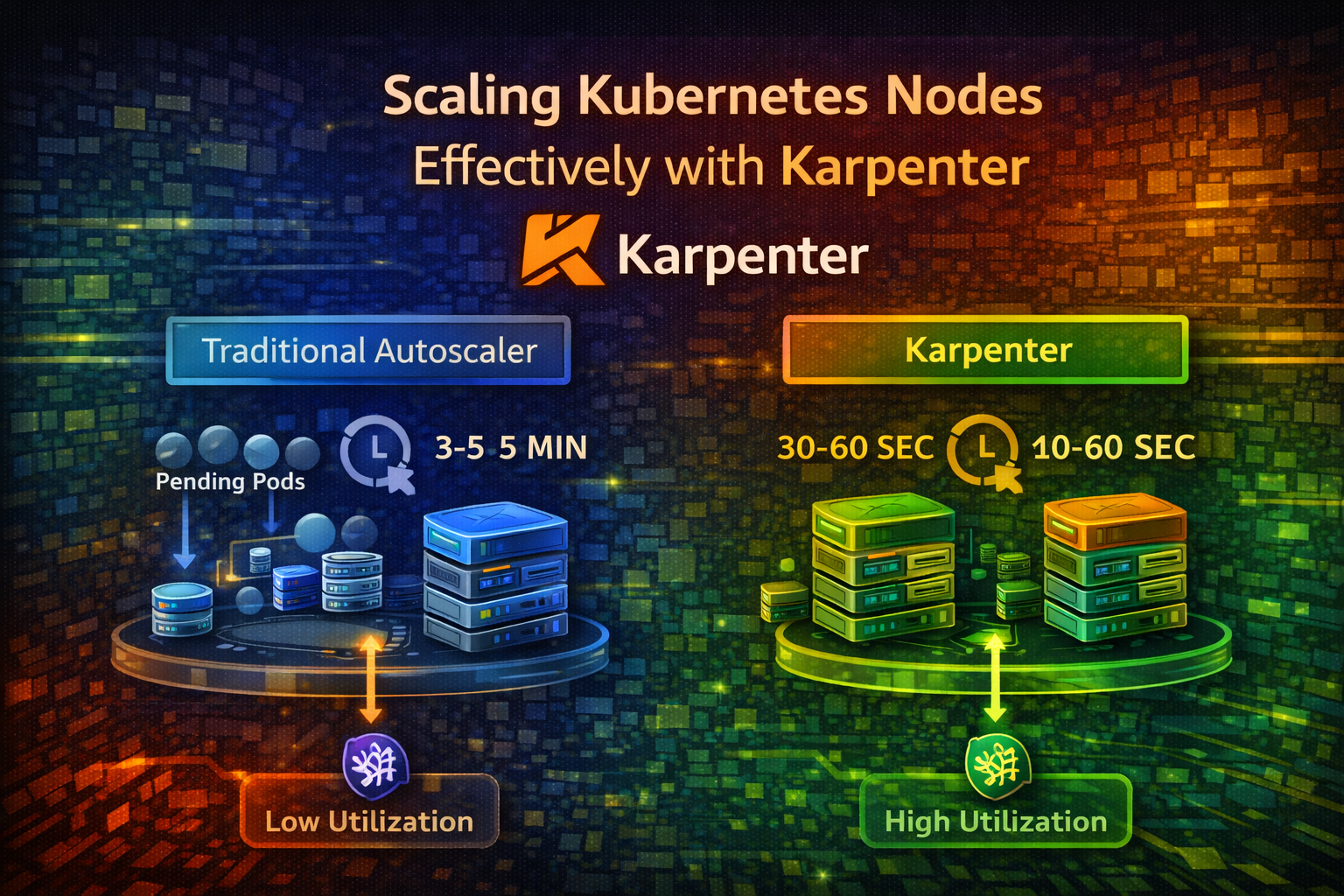
Learn how Karpenter automates node provisioning and consolidation, reducing infrastructure costs and improving resource utilization compared to traditional cluster autoscalers.
Your Kubernetes cluster is running smoothly until a deployment scales up and suddenly, pods are stuck in Pending state. There aren't enough nodes to run them. You wait for the cluster autoscaler to notice, provision new nodes, and boot them up. This takes 3-5 minutes. Your users wait.
Meanwhile, you have other nodes running at 10% utilization, wasting money. The cluster autoscaler doesn't consolidate them because it's conservative—it doesn't want to disrupt workloads.
Karpenter solves both problems. It provisions nodes in seconds instead of minutes and actively consolidates underutilized nodes, reducing costs by 30-50% compared to traditional autoscalers.
In this article, we'll explore why node scaling matters, how Karpenter works, and how to implement it for your cluster.
Kubernetes' default cluster autoscaler watches for pending pods and provisions new nodes. Here's the flow:
This works, but it's slow and inefficient.
Cluster autoscaler has several limitations:
Slow Provisioning: Nodes take 3-5 minutes to boot. During this time, pods wait and users experience latency.
Poor Consolidation: Cluster autoscaler rarely removes nodes. It's conservative because removing a node might disrupt workloads. Result: underutilized nodes waste money.
Bin Packing Issues: Cluster autoscaler doesn't optimize how pods are packed onto nodes. You might have 10 nodes at 40% utilization instead of 7 nodes at 60% utilization.
Limited Node Types: Cluster autoscaler works with node groups you pre-define. If you need a different node type, you have to manually create a new node group.
No Cost Optimization: Cluster autoscaler doesn't consider node costs. It might provision expensive nodes when cheaper options exist.
Consider a typical scenario:
With Karpenter, you might consolidate to 7 nodes at 45% utilization, saving $1,500/month. Over a year, that's $18,000 in savings.
Karpenter is a node autoscaler built for Kubernetes. It watches for pending pods and provisions nodes in seconds. It also actively consolidates underutilized nodes.
Here's the flow:
Karpenter is fundamentally different from cluster autoscaler: it's proactive, not reactive.
| Aspect | Cluster Autoscaler | Karpenter |
|---|---|---|
| Provisioning Speed | 3-5 minutes | 30-60 seconds |
| Consolidation | Rare, conservative | Aggressive, continuous |
| Node Type Selection | Pre-defined groups | Dynamic, cost-optimized |
| Cost Optimization | No | Yes |
| Bin Packing | Basic | Advanced |
| Multi-Cloud | Limited | AWS, Azure, GCP |
Karpenter is designed for modern, dynamic workloads where speed and cost matter.
A Provisioner is a Karpenter resource that defines how nodes should be provisioned. It specifies:
Think of a Provisioner as a template for node creation.
Consolidation is Karpenter's killer feature. It continuously monitors node utilization and removes underutilized nodes by:
This happens automatically and continuously, keeping your cluster lean.
Deprovisioning is the process of removing nodes. Karpenter deprovisions nodes when:
Drift occurs when a node's configuration doesn't match the Provisioner's specification. For example, if you update a Provisioner to use a different instance type, existing nodes are now "drifted." Karpenter can automatically replace drifted nodes.
Install Karpenter using Helm:
helm repo add karpenter https://charts.karpenter.sh
helm repo update
Create a namespace and install Karpenter:
kubectl create namespace karpenter
helm install karpenter karpenter/karpenter \
  --namespace karpenter \
  --set serviceAccount.annotations."eks\.amazonaws\.com/role-arn"=arn:aws:iam::ACCOUNT_ID:role/KarpenterControllerRole \
  --set settings.aws.clusterName=my-cluster
Important
Karpenter needs IAM permissions to provision nodes. Set up the KarpenterControllerRole with appropriate permissions before installing.
Verify Karpenter is running:
kubectl get pods -n karpenter
kubectl logs -n karpenter -l app.kubernetes.io/name=karpenter -fA Provisioner tells Karpenter how to provision nodes. Here's a basic example:

apiVersion: karpenter.sh/v1alpha5
kind: Provisioner
metadata:
  name: default
spec:
  # Requirements for nodes
  requirements:
    - key: karpenter.sh/capacity-type
      operator: In
      values: ["on-demand"]
    - key: kubernetes.io/arch
      operator: In
      values: ["amd64"]
    - key: node.kubernetes.io/instance-type
      operator: In
      values: ["t3.medium", "t3.large", "t3.xlarge"]
    - key: topology.kubernetes.io/zone
      operator: In
      values: ["us-east-1a", "us-east-1b"]

  # Consolidation settings
  consolidation:
    enabled: true

  # TTL for nodes (24 hours)
  ttlSecondsAfterEmpty: 30
  ttlSecondsUntilExpired: 86400

  # Limits
  limits:
    resources:
      cpu: 1000
      memory: 1000Gi

  # Provider (AWS)
  provider:
    subnetName: my-subnet
    securityGroupName: my-security-group
    tags:
      Environment: production
This Provisioner:
Create a deployment to test Karpenter:
apiVersion: apps/v1
kind: Deployment
metadata:
  name: test-app
spec:
  replicas: 5
  selector:
    matchLabels:
      app: test-app
  template:
    metadata:
      labels:
        app: test-app
    spec:
      containers:
      - name: app
        image: nginx:latest
        resources:
          requests:
            cpu: 500m
            memory: 256Mi
          limits:
            cpu: 1000m
            memory: 512Mi
Deploy it:
kubectl apply -f test-app.yamlWatch Karpenter provision nodes:
kubectl get nodes --watch
kubectl logs -n karpenter -l app.kubernetes.io/name=karpenter -f
You should see new nodes provisioned within 30-60 seconds. Much faster than cluster autoscaler.
Use cheaper spot instances for non-critical workloads:
apiVersion: karpenter.sh/v1alpha5
kind: Provisioner
metadata:
  name: spot
spec:
  requirements:
    - key: karpenter.sh/capacity-type
      operator: In
      values: ["spot", "on-demand"]
    - key: kubernetes.io/arch
      operator: In
      values: ["amd64"]
    - key: node.kubernetes.io/instance-type
      operator: In
      values: ["t3.medium", "t3.large", "m5.large", "m5.xlarge"]

  consolidation:
    enabled: true

  ttlSecondsAfterEmpty: 30
  ttlSecondsUntilExpired: 604800

  provider:
    subnetName: my-subnet
    securityGroupName: my-security-group
This Provisioner prefers spot instances (cheaper) but falls back to on-demand if spot isn't available. Karpenter automatically handles spot interruptions by evicting pods and rescheduling them.
Create separate Provisioners for different workload types:
apiVersion: karpenter.sh/v1alpha5
kind: Provisioner
metadata:
  name: gpu
spec:
  requirements:
    - key: karpenter.sh/capacity-type
      operator: In
      values: ["on-demand"]
    - key: node.kubernetes.io/instance-type
      operator: In
      values: ["g4dn.xlarge", "g4dn.2xlarge"]
    - key: karpenter.k8s.aws/instance-gpu-count
      operator: In
      values: ["1", "2"]

  consolidation:
    enabled: false

  ttlSecondsAfterEmpty: 30

  provider:
    subnetName: my-subnet
    securityGroupName: my-security-group
    tags:
      WorkloadType: gpu
This Provisioner handles GPU workloads. Pods requesting GPUs are scheduled on GPU nodes. CPU-only pods use the default Provisioner.
Spread nodes across multiple zones for high availability:
apiVersion: karpenter.sh/v1alpha5
kind: Provisioner
metadata:
  name: multi-zone
spec:
  requirements:
    - key: topology.kubernetes.io/zone
      operator: In
      values: ["us-east-1a", "us-east-1b", "us-east-1c"]
    - key: kubernetes.io/arch
      operator: In
      values: ["amd64"]
    - key: node.kubernetes.io/instance-type
      operator: In
      values: ["t3.medium", "t3.large"]

  consolidation:
    enabled: true

  ttlSecondsAfterEmpty: 30

  provider:
    subnetName: my-subnet
    securityGroupName: my-security-group
Karpenter distributes nodes across zones, improving fault tolerance.
Control how aggressively Karpenter consolidates nodes:
apiVersion: karpenter.sh/v1alpha5
kind: Provisioner
metadata:
  name: aggressive-consolidation
spec:
  requirements:
    - key: karpenter.sh/capacity-type
      operator: In
      values: ["on-demand"]
    - key: node.kubernetes.io/instance-type
      operator: In
      values: ["t3.medium", "t3.large", "t3.xlarge"]

  consolidation:
    enabled: true

  # Remove empty nodes immediately
  ttlSecondsAfterEmpty: 0

  # Refresh nodes every 7 days
  ttlSecondsUntilExpired: 604800

  provider:
    subnetName: my-subnet
    securityGroupName: my-security-group
This aggressively consolidates nodes, removing empty nodes immediately. Use this for cost-sensitive environments.
Protect critical workloads during consolidation:
apiVersion: policy/v1
kind: PodDisruptionBudget
metadata:
  name: critical-app-pdb
spec:
  minAvailable: 2
  selector:
    matchLabels:
      app: critical-app
This ensures at least 2 pods of critical-app are always running. Karpenter won't consolidate nodes if it would violate this budget.
Use taints to restrict which pods can run on certain nodes:
apiVersion: karpenter.sh/v1alpha5
kind: Provisioner
metadata:
  name: batch-processing
spec:
  requirements:
    - key: node.kubernetes.io/instance-type
      operator: In
      values: ["c5.large", "c5.xlarge"]

  taints:
    - key: workload-type
      value: batch
      effect: NoSchedule

  consolidation:
    enabled: true

  provider:
    subnetName: my-subnet
    securityGroupName: my-security-group
Only pods with matching tolerations can run on these nodes:
apiVersion: v1
kind: Pod
metadata:
  name: batch-job
spec:
  tolerations:
  - key: workload-type
    operator: Equal
    value: batch
    effect: NoSchedule
  containers:
  - name: job
image: batch-processor:latestMonitor Karpenter's behavior with Prometheus metrics:
# Nodes provisioned
increase(karpenter_nodes_allocatable[5m])

# Nodes consolidated
increase(karpenter_nodes_consolidated[5m])

# Pending pods
karpenter_pods_pending

# Provisioning duration
histogram_quantile(0.99, rate(karpenter_provisioning_duration_seconds_bucket[5m]))
Set up dashboards to visualize these metrics.
If pods don't have resource requests, Karpenter can't calculate node capacity. Pods might be scheduled on nodes that don't have enough resources.
Better: Always set resource requests and limits:
resources:
  requests:
    cpu: 100m
    memory: 128Mi
  limits:
    cpu: 500m
memory: 512MiWithout PodDisruptionBudgets, Karpenter might consolidate nodes and disrupt critical workloads.
Better: Define PodDisruptionBudgets for critical applications.
If ttlSecondsUntilExpired is too low, nodes are constantly replaced, causing unnecessary disruption.
Better: Set TTL to 24-48 hours. This balances freshness with stability.
Aggressive consolidation saves money but can cause latency spikes when pods are evicted and rescheduled.
Better: Tune consolidation based on your workload. For latency-sensitive applications, be more conservative.
Karpenter is another component that can fail. If it crashes, node scaling stops.
Better: Monitor Karpenter's health, set up alerts, and ensure it's highly available.
Don't enable aggressive consolidation immediately. Start with:
consolidation:
  enabled: true

ttlSecondsAfterEmpty: 300
ttlSecondsUntilExpired: 604800
Monitor behavior and adjust based on real-world results.
Create separate Provisioners for different workload types:
This gives you fine-grained control over node provisioning.
Protect critical workloads with PodDisruptionBudgets. This prevents Karpenter from disrupting them during consolidation.
Track how much you're saving with Karpenter:
# Before Karpenter: 10 nodes × $500/month = $5,000
# After Karpenter: 7 nodes × $500/month = $3,500
# Savings: $1,500/month = $18,000/yearBefore deploying to production, test how Karpenter consolidates nodes:
Spot instances are 70-90% cheaper than on-demand. Use them for:
Karpenter handles spot interruptions automatically.
Prevent runaway provisioning by setting limits:
limits:
  resources:
    cpu: 1000
    memory: 1000Gi
This prevents Karpenter from provisioning more than 1000 CPU cores or 1000Gi memory.
Karpenter transforms how you scale Kubernetes clusters. Instead of waiting 3-5 minutes for nodes to boot, you get nodes in 30-60 seconds. Instead of wasting money on underutilized nodes, Karpenter actively consolidates them.
The fundamental insight: node scaling should be fast, efficient, and cost-aware. Karpenter delivers all three.
Start with a basic Provisioner for general workloads. Add specialized Provisioners for GPU, batch processing, or other workload types. Enable consolidation and watch your costs drop. Monitor everything and adjust based on real-world behavior.
Your cluster will be faster, cheaper, and more efficient.
Start simple, test thoroughly, and scale intelligently.