Master Ansible idempotency to write playbooks that safely run multiple times without side effects. Learn how to build production-grade automation that prevents configuration drift and infrastructure chaos.

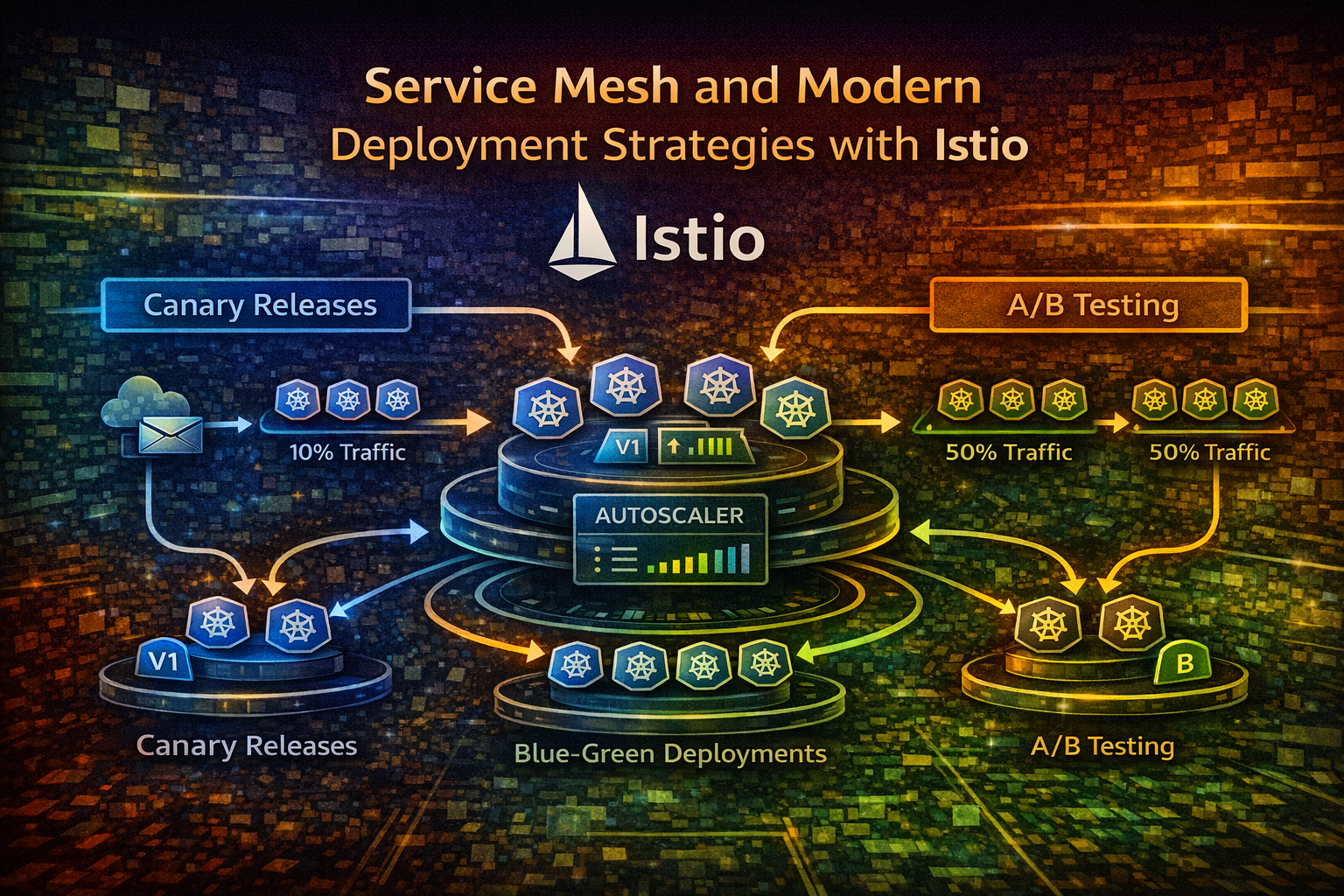
Learn how service meshes enable sophisticated deployment patterns like canary releases and blue-green deployments, reducing deployment risk and enabling targeted traffic management in production systems.
Deploying new code to production has always been risky. You push changes, hope nothing breaks, and cross your fingers. But in modern distributed systems running on Kubernetes, this approach doesn't scale. You need precision, observability, and the ability to roll back instantly if something goes wrong.
This is where service meshes come in. A service mesh like Istio sits between your services and handles traffic routing, security, and observability at the infrastructure level. More importantly, it enables sophisticated deployment strategies that let you release code with surgical precision—testing new versions with a small percentage of traffic before rolling out to everyone.
In this article, we'll explore how service meshes work, why they matter for deployment strategies, and how to implement canary releases and blue-green deployments in production.
A service mesh is a dedicated infrastructure layer that handles service-to-service communication in microservices architectures. Instead of embedding communication logic into your application code, the mesh manages it transparently.
Think of it like this: if your microservices are cities, the service mesh is the highway system. Your cities (services) don't need to know how to build roads—they just send traffic onto the highways, and the infrastructure handles routing, tolls (security), and traffic monitoring.
In Kubernetes, a service mesh typically works by injecting a sidecar proxy (usually Envoy) into every pod. These proxies intercept all network traffic and apply policies defined by the mesh control plane.
Without a service mesh, deployment strategies are limited. You can use Kubernetes rolling updates, but you have limited control over traffic distribution. You can't easily route 10% of traffic to a new version while monitoring metrics—you'd need custom application logic or external load balancers.
A service mesh gives you:
A service mesh has two components:
Data Plane: Envoy proxies running as sidecars in each pod. They intercept traffic and apply routing rules. The data plane is where actual traffic flows.
Control Plane: Manages configuration and distributes it to all proxies. In Istio, this includes Istiod, which handles service discovery, certificate management, and policy distribution.
Here's the flow:
VirtualService resource specifying how traffic should be routedTwo key Istio resources control traffic:
VirtualService: Defines how traffic is routed to a service. It specifies which versions receive traffic and in what proportions.
DestinationRule: Defines how to handle traffic to a specific service version, including load balancing policies and connection pooling.
Together, they give you precise control over traffic distribution.
A canary release gradually shifts traffic from the old version to the new version while monitoring metrics. If something goes wrong, you catch it early with minimal impact.
The name comes from coal miners who used canaries to detect toxic gases—the canary was the early warning system. Similarly, a canary deployment is your early warning system for bad releases.
The process typically follows this pattern:
The key advantage: you detect problems with 5% of traffic instead of 100%.
Let's implement a canary release. First, deploy two versions of your service:

apiVersion: apps/v1
kind: Deployment
metadata:
  name: myapp-v1
spec:
  replicas: 3
  selector:
    matchLabels:
      app: myapp
      version: v1
  template:
    metadata:
      labels:
        app: myapp
        version: v1
    spec:
      containers:
      - name: myapp
        image: myapp:1.0.0
        ports:
        - containerPort: 8080
---
apiVersion: apps/v1
kind: Deployment
metadata:
  name: myapp-v2
spec:
  replicas: 1
  selector:
    matchLabels:
      app: myapp
      version: v2
  template:
    metadata:
      labels:
        app: myapp
        version: v2
    spec:
      containers:
      - name: myapp
        image: myapp:2.0.0
        ports:
        - containerPort: 8080
Now define a VirtualService to route 90% of traffic to v1 and 10% to v2:
apiVersion: networking.istio.io/v1beta1
kind: VirtualService
metadata:
  name: myapp
spec:
  hosts:
  - myapp
  http:
  - match:
    - uri:
        prefix: /
    route:
    - destination:
        host: myapp
        subset: v1
      weight: 90
    - destination:
        host: myapp
        subset: v2
      weight: 10
---
apiVersion: networking.istio.io/v1beta1
kind: DestinationRule
metadata:
  name: myapp
spec:
  host: myapp
  trafficPolicy:
    connectionPool:
      tcp:
        maxConnections: 100
      http:
        http1MaxPendingRequests: 100
        http2MaxRequests: 1000
  subsets:
  - name: v1
    labels:
      version: v1
  - name: v2
    labels:
      version: v2
This configuration routes 90% of traffic to v1 and 10% to v2. Monitor your metrics (error rate, latency, business KPIs) for 10-15 minutes. If everything looks good, update the weights:
# Update the VirtualService
- destination:
    host: myapp
    subset: v1
  weight: 50
- destination:
    host: myapp
    subset: v2
  weight: 50
Continue increasing until v2 receives 100% of traffic, then remove v1.
You need metrics to make decisions. Key metrics to monitor:
Istio automatically exports metrics to Prometheus. Query them to make rollout decisions:
# Error rate for v2
rate(istio_request_total{destination_version="v2",response_code=~"5.."}[5m])

# Latency p99 for v2
histogram_quantile(0.99, rate(istio_request_duration_milliseconds_bucket{destination_version="v2"}[5m]))
Tip
Automate canary rollouts using tools like Flagger, which watches metrics and automatically progresses or rolls back canary deployments based on thresholds you define.
Blue-green deployments run two identical production environments: blue (current) and green (new). All traffic goes to blue. When green is ready and tested, you switch all traffic to green instantly.
Unlike canary releases, blue-green is binary—you're either on blue or green, no gradual transition. This is useful when you need instant cutover or when gradual rollout isn't feasible.
Deploy two complete versions:
# Blue (current production)
apiVersion: apps/v1
kind: Deployment
metadata:
  name: myapp-blue
spec:
  replicas: 3
  selector:
    matchLabels:
      app: myapp
      color: blue
  template:
    metadata:
      labels:
        app: myapp
        color: blue
    spec:
      containers:
      - name: myapp
        image: myapp:1.0.0
---
# Green (new version)
apiVersion: apps/v1
kind: Deployment
metadata:
  name: myapp-green
spec:
  replicas: 3
  selector:
    matchLabels:
      app: myapp
      color: green
  template:
    metadata:
      labels:
        app: myapp
        color: green
    spec:
      containers:
      - name: myapp
        image: myapp:2.0.0
Route all traffic to blue:
apiVersion: networking.istio.io/v1beta1
kind: VirtualService
metadata:
  name: myapp
spec:
  hosts:
  - myapp
  http:
  - route:
    - destination:
        host: myapp
        subset: blue
      weight: 100
---
apiVersion: networking.istio.io/v1beta1
kind: DestinationRule
metadata:
  name: myapp
spec:
  host: myapp
  subsets:
  - name: blue
    labels:
      color: blue
  - name: green
    labels:
      color: green
Test green in production (internal traffic, synthetic tests, or a small percentage of real traffic). When ready, switch all traffic to green:
http:
- route:
  - destination:
      host: myapp
      subset: green
    weight: 100
If something breaks, switch back instantly:
http:
- route:
  - destination:
      host: myapp
      subset: blue
weight: 100Shadow traffic (also called traffic mirroring) sends a copy of production traffic to a new version without affecting the response. The new version processes the request, but the response is discarded. You get real production traffic for testing without any risk.
apiVersion: networking.istio.io/v1beta1
kind: VirtualService
metadata:
  name: myapp
spec:
  hosts:
  - myapp
  http:
  - match:
    - uri:
        prefix: /
    route:
    - destination:
        host: myapp
        subset: v1
      weight: 100
    mirror:
      host: myapp
      subset: v2
    mirrorPercent: 100
This sends 100% of traffic to v1 (real responses) and mirrors 100% to v2 (responses discarded). Monitor v2's metrics to catch issues before switching real traffic.
Important
Shadow traffic is powerful but resource-intensive. Mirroring 100% of production traffic doubles your infrastructure load. Start with a percentage and scale up.
A/B testing routes different user segments to different versions to validate features. Unlike canary releases (which are time-based), A/B tests are user-based.
Route users with a specific header to the new version:
apiVersion: networking.istio.io/v1beta1
kind: VirtualService
metadata:
  name: myapp
spec:
  hosts:
  - myapp
  http:
  - match:
    - headers:
        user-id:
          regex: "^(user-[0-9]{3}|user-[0-9]{4})$"
    route:
    - destination:
        host: myapp
        subset: v2
  - route:
    - destination:
        host: myapp
        subset: v1
This routes users with IDs matching the regex to v2, everyone else to v1. You can also route by cookie, query parameter, or any HTTP attribute.
You monitor CPU and memory but miss that error rates spiked. Define business metrics and SLOs before deploying. Know what "good" looks like.
Starting with 50% canary traffic defeats the purpose. Start small (5-10%), observe for 10-15 minutes, then increase. Early detection is the whole point.
Your new version works fine in isolation but breaks when calling downstream services that expect the old API. Test integration, not just the service in isolation.
You're halfway through a canary rollout when you realize something's wrong. Have a rollback plan: can you revert instantly? Do you need to drain connections? Plan this before deploying.
Canary deployments work great for stateless services. For stateful services (databases, caches), you need different strategies. Don't assume one approach fits everything.
Before deploying, define what success looks like:
Use these criteria to make rollout decisions automatically.
Don't jump from 0% to 50% canary traffic. Start at 5%, observe for 10-15 minutes, then increase. This catches problems early.
Manual rollouts are error-prone. Use tools like Flagger or Argo Rollouts to automate canary progression based on metrics.
Canary deployments catch production issues, but staging catches obvious bugs. Always test in an environment that mirrors production.
Combine deployment strategies with feature flags. Deploy code that's disabled, then enable it gradually. This decouples deployment from feature release.
Istio exports metrics automatically, but you need to actually look at them. Set up dashboards and alerts. Know when something's wrong before users do.
Every deployment needs a rollback plan. Can you revert instantly? Do you need to drain connections? Document this.
Service meshes like Istio transform how you deploy code. Instead of binary all-or-nothing deployments, you get surgical precision: canary releases that catch problems early, blue-green deployments for instant switching, shadow traffic for risk-free testing, and A/B testing for feature validation.
The key insight: deployment strategy should match your risk tolerance and requirements. Canary releases are great for gradual validation. Blue-green is perfect for instant cutover. Shadow traffic lets you test without risk. A/B testing validates features with real users.
Start with canary releases—they're the most flexible and catch most problems. As you mature, add blue-green for critical services and shadow traffic for high-risk changes. Automate everything with tools like Flagger or Argo Rollouts.
The goal isn't to deploy faster—it's to deploy safer. Service meshes give you the tools to do both.
Your deployments will be safer, faster, and more reliable.