#Project Overview
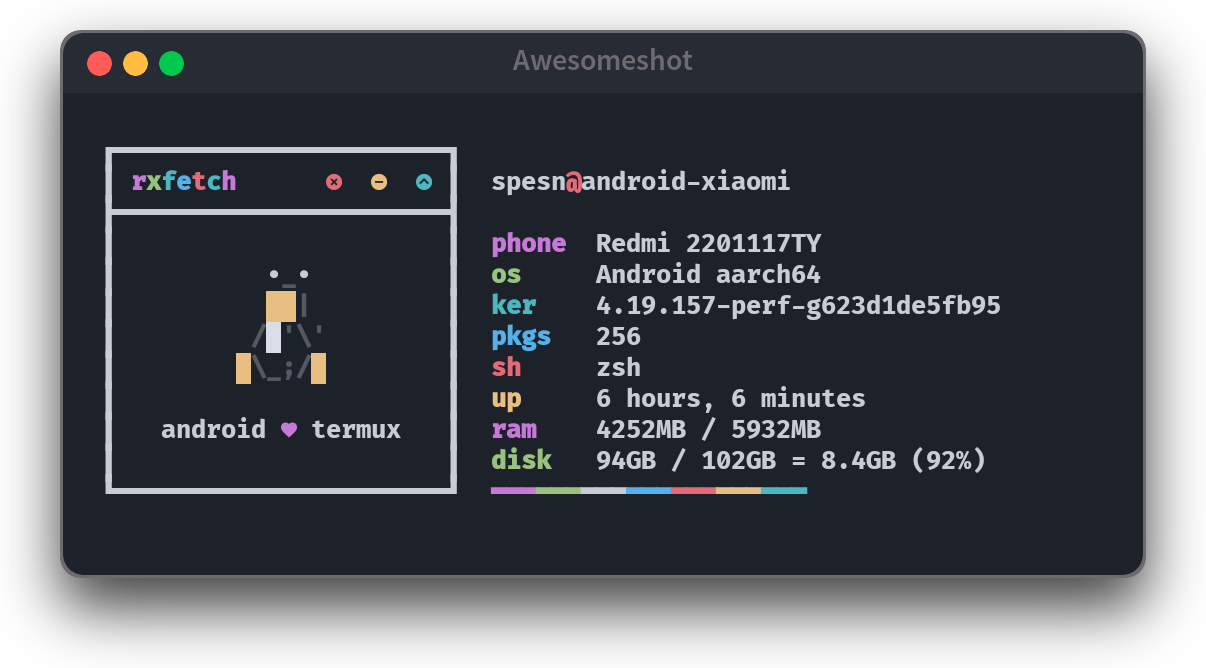
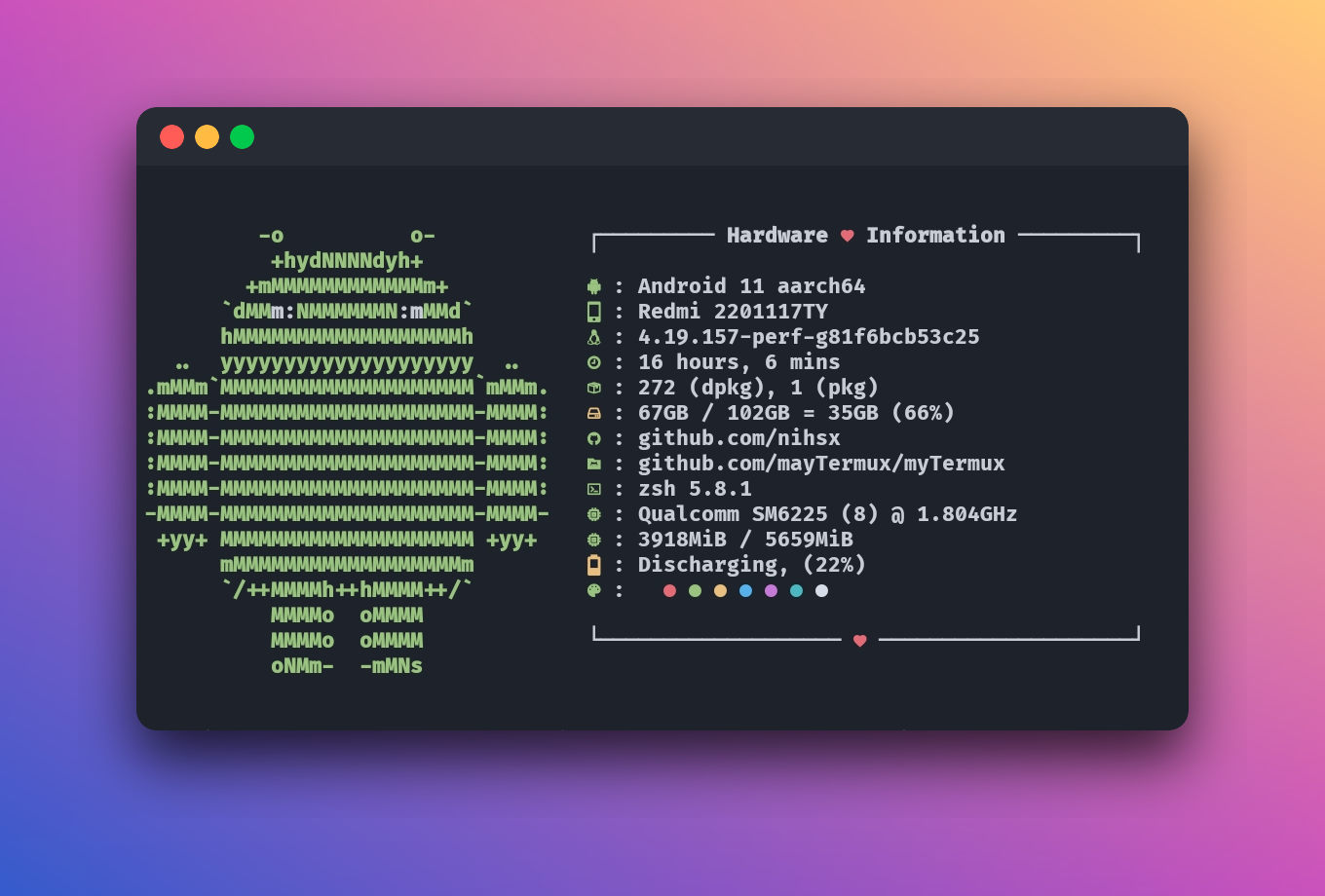
myTermux is an open-source dotfiles project that contains my personal configuration for Termux, a Linux-based terminal emulator running on Android. The goal of this project is to improve the appearance, usability, and overall experience of Termux, making it feel more modern and productive compared to its default setup.
This project includes various configurations such as shell setup (Bash/Zsh), Neovim, as well as visual and workflow customizations inspired by my Linux desktop environment.
#Background & Motivation
This project was created during the early stage of my journey into the Linux ecosystem, when I started to become interested not only in system functionality, but also in customizing the user interface and development workflow.
That interest led me to:
- Explore Linux desktop configuration more deeply
- Learn about dotfiles and environment customization
- Join communities such as:
- r/unixporn on Reddit
- Dotfiles Indonesia community on Telegram
From these communities, I learned that a terminal is not just a tool, but a personal workspace that can be shaped according to individual preferences and workflows.
#From Linux Desktop to Android (Termux)
Over time, I began experimenting with Termux on Android as a way to learn and use Linux in a mobile environment. However, I found the default Termux appearance too minimal and not very comfortable for long-term use.
With my prior experience managing dotfiles on Linux desktop, I then:
- Created a custom configuration specifically for Termux
- Improved the shell appearance to be cleaner and more modern
- Optimized the workflow to remain productive on a mobile device
The result of this exploration was collected into a repository called myTermux.
#Open Source & Community Sharing
Once the project became stable enough for daily use, I decided to share it as an open-source project.
I shared myTermux across various communities, including Reddit, as a way to:
- Document my personal learning journey
- Share configurations that could be useful for others
- Contribute in a small way to the open-source and Linux community
Over time, myTermux received a very positive response from the community, reflected in:
- More than 1,200 stars
- Around 180+ forks
These numbers validated that even a relatively simple personal configuration can be valuable when shared with the right audience.
#Key Features
Some of the key features provided by myTermux include:
- Custom dotfiles tailored for Termux
- A cleaner and more visually appealing terminal setup
- Shell configuration using Bash and Zsh
- Neovim integration as the primary editor
- A more comfortable and efficient terminal workflow on Android
- Easy to customize and extend based on individual needs
#What I Learned
Through this project, I gained many foundational lessons that significantly influenced my future path, including:
- Understanding dotfiles and environment configuration concepts
- Learning to manage shells and editors more deeply
- Interacting with global open-source communities
- The importance of documentation and knowledge sharing
- Realizing that small personal projects can grow when shared with the right community
#Why This Project Matters
Although it may appear simple, myTermux plays an important role in my journey as an engineer.
This project matters because it:
- Became one of my earliest open-source projects
- Served as my entry point into Linux and terminal customization
- Taught me the values of exploration, consistency, and sharing
- Laid the foundation for my interest in tooling, DevOps, and developer experience
#Conclusion
myTermux is a personal project born out of curiosity and a strong interest in Linux and terminal customization.
It represents an early phase of my software engineering journey, where I learned that small explorations—when done consistently and shared with the community—can have a much bigger impact than initially expected.
For more details, documentation, and the latest configurations, please refer directly to the project’s GitHub repository.